 Chat Systems
Team chat you run yourself
Channels, threads, huddles, search inside files, SSO and a Slack importer — on your own server, behind your own domain, from one docker compose command. No per-seat pricing, and nobody else holding your messages.
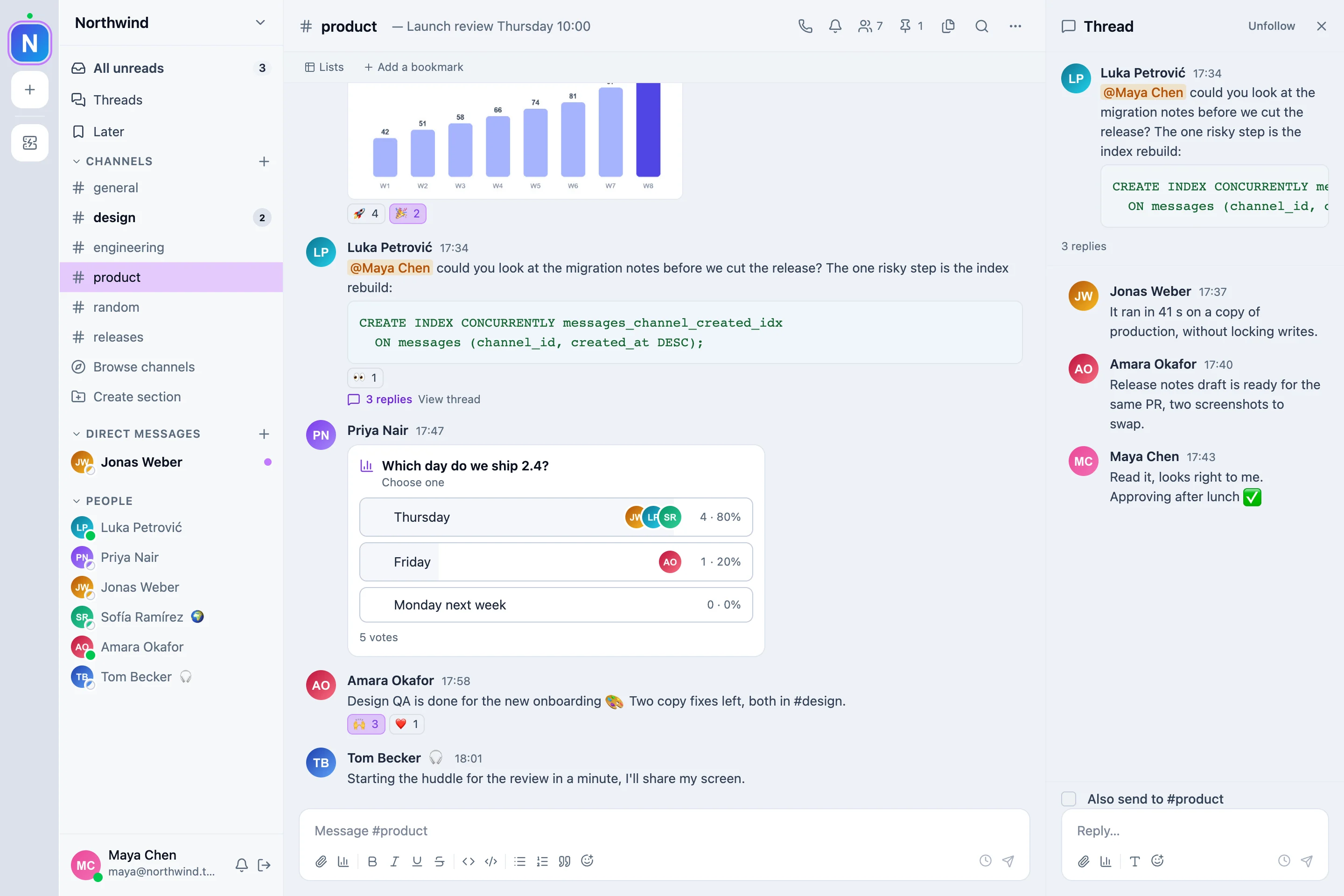
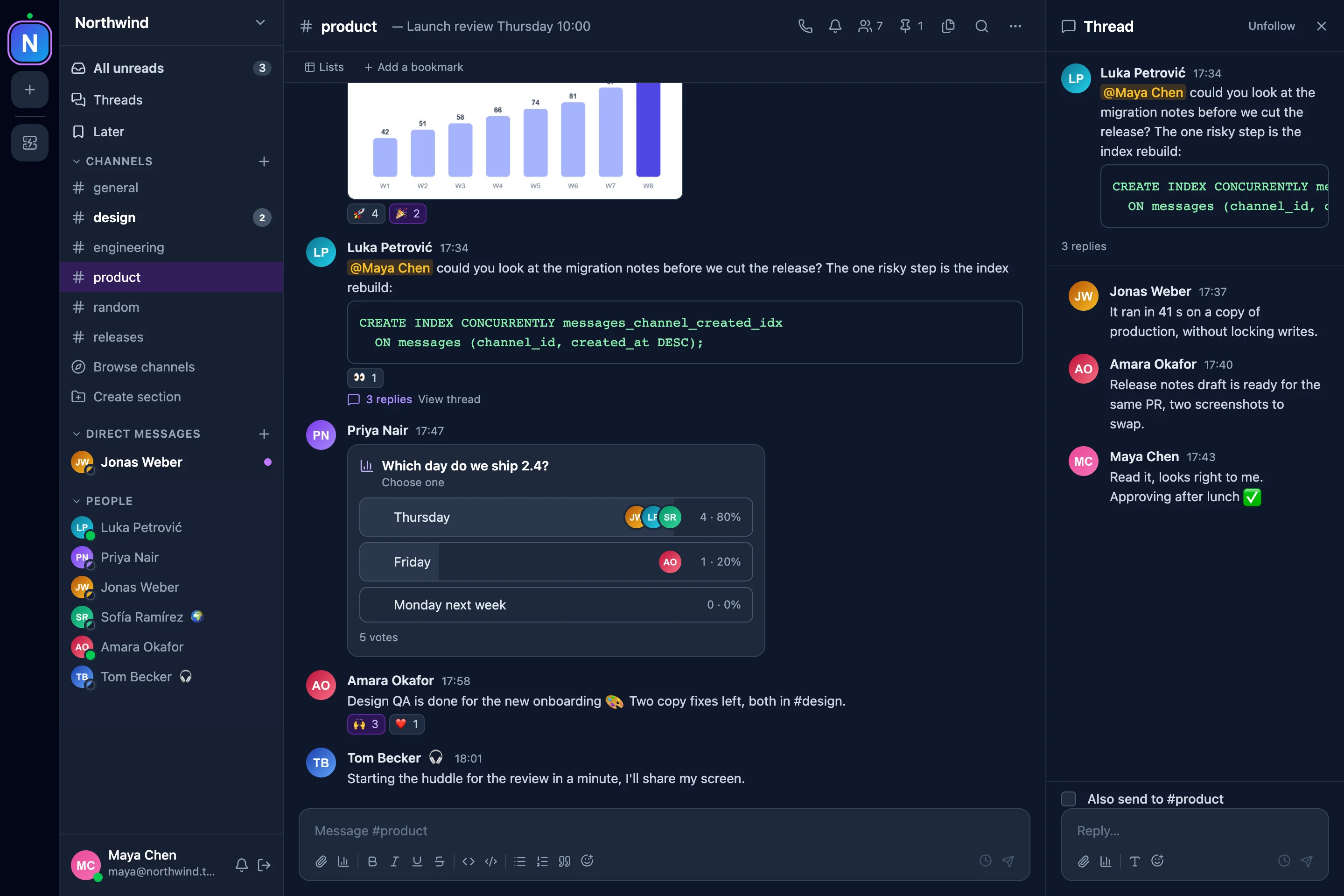
What a team uses every day
Most of what a team moving from Slack reaches for on day one is here, and the Slack importer brings its people, channels and history along.
Channels and threads
Public and private channels, threads, DMs and group DMs, reactions, pins, edit history, forwarding, scheduled send and announcement channels.
Huddles
Voice and video with screen sharing, raised hands and reactions, started from any channel or DM. Past six people a call moves to a media server, without dropping anybody.
Search inside files
Messages, file names and the text inside PDF, Word, Excel and PowerPoint files, with filters by person, channel and date.
Notifications that fit
Per-channel levels, keywords, a schedule, do not disturb and away, and desktop and Web Push that go to the device you are using.
Polls, lists, workflows
Polls in a message, lists with typed columns, and no-code workflows triggered by a schedule, a webhook, a reaction or a shortcut.
Connected apps
Rich previews from GitHub, Jira, Confluence, Figma and Google Drive; Slack-compatible incoming webhooks, signed outgoing webhooks, slash commands that may answer later, and apps with a bot user and a scoped token that hear events over HTTP or a socket, all in one app directory.
Admin and compliance
SSO (OIDC), TOTP, SCIM deprovisioning, guests who see only their channels, an audit log, retention, export and erasure. App tokens and second factors are sealed at rest, and sessions are Ed25519-signed, both under keys that rotate.
On every screen
A responsive app that installs as a PWA with push, and one client for several workspaces and several servers.
Your server, your data, your domain
- Every message stays on hardware you control. Files go to local disk or any S3-compatible store; backups are verified by restoring them.
- Automatic HTTPS through Caddy, and several workspaces on one instance.
- Released images for every version on GHCR, with upgrade notes for each one.
- Built to be read. A stateless Rust API, a WebSocket gateway that scales out over Redis Streams, a strictly typed React client, and a CI that runs the end-to-end suite on every change.
Five minutes to a working instance
Docker is all it needs. Fill in the secrets .env asks for, start the stack, and open the setup page with the token it prints.
$ git clone https://github.com/petar-basic/chat-systems.git
$ cd chat-systems && cp .env.example .env
# set the secrets .env asks for
$ docker compose --profile frontend up -d --build
$ docker compose logs api | grep "setup token"
# open http://localhost:8080 and paste itWhat is different, plainly
The trade for owning your data, so nobody finds out on day two.
| Different | Where it stands |
|---|---|
| No app-store mobile app | The web app is responsive and installs as a PWA with push. |
| Large calls need a media server | Calls are peer-to-peer up to eight people; past six they move to LiveKit, an optional service beside the app. |
| No shared channels between organisations | One instance serves several workspaces, each its own. |
| Search reads text, not pictures | Text inside documents is searched; scanned pages and screenshots are not. |